
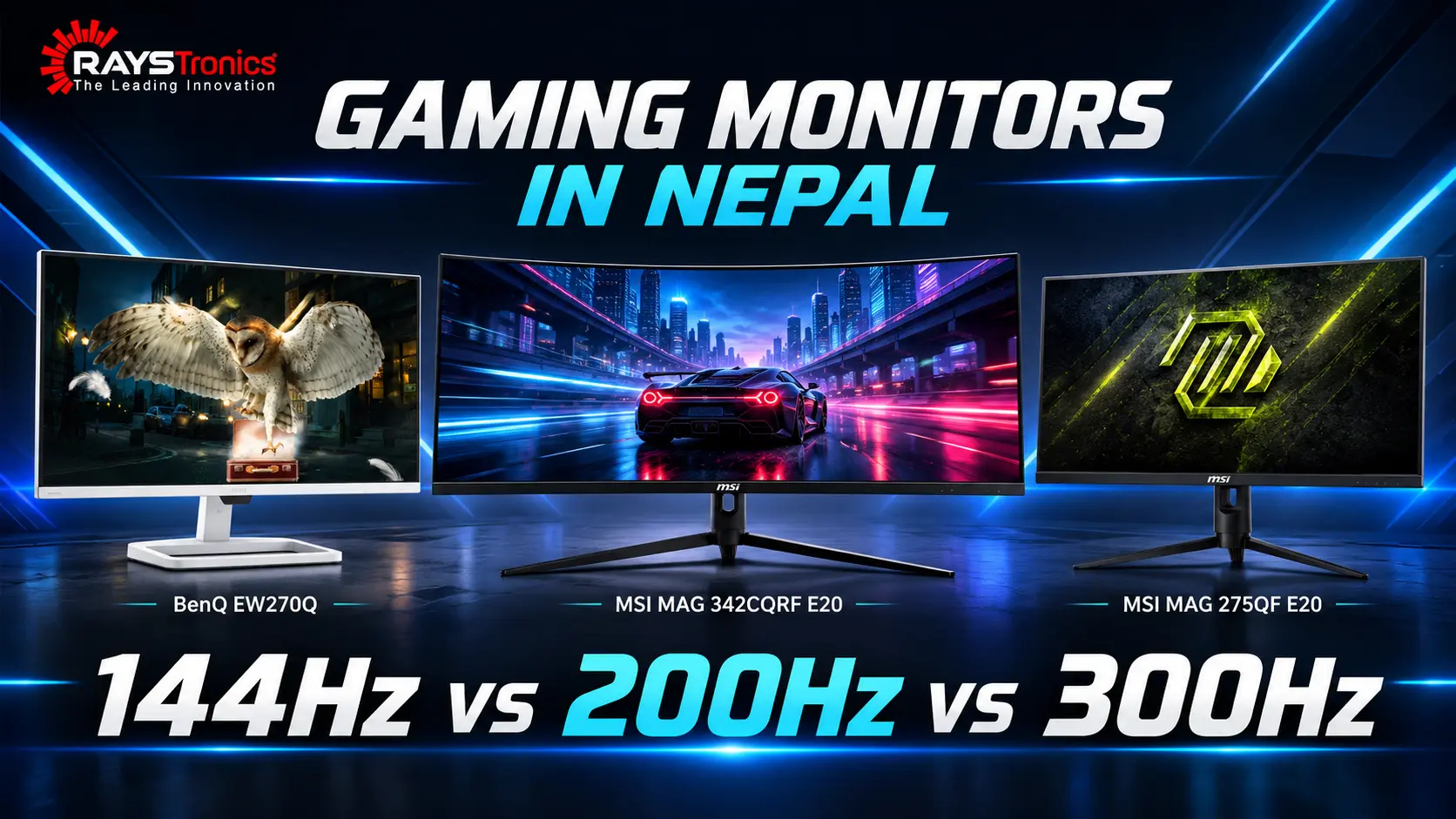
How to Choose a Gaming Monitor in Nepal (2026): 144Hz vs 200Hz vs 300Hz
If you're shopping for a gaming monitor in Nepal, refresh rate numbers such as 144Hz, 200Hz, and 300Hz are among the first specifications you'll notice. However, choosing the highest refresh rate does not automatically mean getting the best gaming experience. Many gamers spend extra on refresh rates their GPU cannot fully utilize, while others choose monitors that limit the performance of their gaming setup.
This guide explains what each refresh rate offers, how to match it with your hardware and favorite games, and what you can expect to pay for gaming monitors in Nepal in 2026. The goal is simple: help you choose the right monitor based on performance, gaming requirements, and budget.
What Is Refresh Rate? Understanding 144Hz, 200Hz, and 300Hz
Refresh rate refers to how many times per second a monitor updates the image displayed on its screen. It is measured in Hertz (Hz). A higher refresh rate allows the monitor to display more frames per second when your computer can produce enough frames.
-
144Hz: The monitor refreshes 144 times per second, with approximately 6.94 milliseconds between refreshes.
-
200Hz: The monitor refreshes 200 times per second, with approximately 5.00 milliseconds between refreshes.
-
300Hz: The monitor refreshes 300 times per second, with approximately 3.33 milliseconds between refreshes.
These intervals are calculated using the formula 1,000 ÷ refresh rate. A shorter interval means the monitor can update the image more frequently, potentially providing smoother motion and a more responsive gaming experience.
However, your GPU also matters. To take full advantage of a monitor's refresh rate, your computer needs to produce a sufficiently high frame rate. For example, if your PC runs Valorant at 150 FPS, a 300Hz monitor cannot display 300 unique frames per second from that game. The actual experience depends on both GPU performance and monitor specifications.
144Hz Gaming Monitor – Is It Enough for Most Gamers?
Yes, 144Hz is a practical choice for most gamers in 2026. It offers a significant improvement in motion smoothness compared with a standard 60Hz office monitor. The refresh interval decreases from approximately 16.67 milliseconds at 60Hz to 6.94 milliseconds at 144Hz.
For gamers playing titles such as FIFA, GTA V, or Cyberpunk 2077, a 144Hz monitor can provide a smooth gaming experience, particularly when paired with hardware capable of delivering consistent frame rates.
Where 144Hz Works Best
-
AAA single-player games where frame rates often remain below 100–120 FPS on mid-range GPUs.
-
Casual multiplayer gaming, including FIFA and Fortnite at suitable graphics settings.
-
Mixed-use setups involving gaming, movies, entertainment, and everyday work.
Where 144Hz May Fall Short
-
Competitive esports games such as Valorant, CS2, and Fortnite when your hardware can consistently produce 200+ FPS.
-
Gaming setups with sufficiently powerful GPUs that can take advantage of higher refresh rates at 1080p.
A 144Hz monitor remains a safe, budget-friendly choice. For most casual gamers and people who play demanding single-player games, spending extra on a significantly higher refresh rate may not provide the best overall value.
200Hz Gaming Monitor – The Sweet Spot for Competitive Play?
A 200Hz gaming monitor can be an excellent balance between price and performance for competitive gamers in Nepal.
Compared with 144Hz, moving to 200Hz reduces the interval between refreshes from approximately 6.94 milliseconds to 5.00 milliseconds. This represents roughly a 28% reduction in the refresh interval.
The difference can be noticeable in fast-paced games, particularly when tracking moving opponents, following quick movements, and making rapid adjustments.
Why 200Hz Makes Sense
-
Some mid-range GPUs, including the RTX 3050, RTX 3060, and RTX 4050, can deliver high frame rates in competitive games such as Valorant, CS2, and Fortnite at 1080p with low graphics settings. Actual performance depends on the system configuration.
-
Nepal pricing for 200Hz monitors starts around NPR 26,000, based on the Acer Nitro KG273 X1BMIPX, a 27-inch Full HD IPS model included in the original market research.
-
The upgrade from 144Hz to 200Hz offers a higher refresh rate without necessarily requiring the premium budget associated with higher-refresh-rate gaming displays.
However, a 200Hz monitor is most useful when your GPU can consistently deliver frame rates approaching its refresh rate. If your system regularly produces significantly fewer frames, a good-quality 144Hz monitor may offer better value for your budget.
300Hz Gaming Monitor – Overkill or Worth It?
A 300Hz gaming monitor is primarily designed for competitive gaming enthusiasts and esports players who prioritize extremely smooth motion and low display refresh intervals.
At 300Hz, the interval between refreshes is approximately 3.33 milliseconds. Compared with 200Hz, this reduces the interval by approximately 1.67 milliseconds. The improvement is measurable, although the difference becomes less significant as refresh rates increase.
Who Should Buy a 300Hz Monitor?
-
Professional or semi-professional Valorant and CS2 players who compete in LAN tournaments.
-
Gamers with powerful GPUs, such as an RTX 4070 or better, that can produce high frame rates in their main competitive games.
-
Players who regularly upgrade their hardware and want a monitor that can accommodate higher frame rates in the future.
Who Should Skip a 300Hz Monitor?
-
Gamers using entry-level or older GPUs, such as the GTX 1650 or RTX 3050, who cannot consistently produce frame rates close to 300 FPS in their preferred games.
-
Casual and single-player gamers who mainly play demanding titles at frame rates considerably below 300 FPS.
-
Budget-conscious buyers who would benefit more from investing in a better GPU, display panel, or other gaming peripherals.
For buyers in Nepal, a 280Hz Acer Predator X27U QHD OLED model was listed at NPR 107,999 in the original price research. However, verified local pricing for true 300Hz monitors was not available in the retailer listings reviewed for this article.
The main consideration is diminishing returns. The jump from 60Hz to 144Hz is substantial, while improvements from 200Hz to 300Hz are more incremental. Whether that difference is worth the additional cost depends on your gaming habits, hardware, and personal preference.
144Hz vs 200Hz vs 300Hz – Side-by-Side Comparison
The following table compares the three refresh-rate categories based on their refresh intervals, typical use cases, suggested GPU categories, and Nepal pricing.
| Specification | 144Hz | 200Hz | 300Hz |
|---|---|---|---|
| Refresh interval | 6.94 ms | 5.00 ms | 3.33 ms |
| Reduction in refresh interval compared with 144Hz | Baseline | 1.94 ms | 3.61 ms |
| Best for | Casual gaming, AAA titles, mixed use | Competitive esports, mid-range GPUs | Competitive esports, high-end GPUs |
| Suggested GPU category | GTX 1650 and above, depending on the game | RTX 3050 and above, depending on the game | RTX 4070 and above, depending on the game |
| Nepal price information (2026) | NPR 24,000–45,000 | NPR 26,000–38,000 | No verified 300Hz pricing |
| Example model | ASUS VG248QZ | Acer Nitro KG273 | No verified 300Hz example in the original research |
GPU recommendations are approximate rather than guaranteed performance requirements. Actual frame rates depend on the game, graphics settings, processor, GPU power limits, and overall system configuration.
What Other Monitor Specifications Matter Besides Refresh Rate?
Refresh rate is only one factor that determines gaming monitor quality. Choosing a monitor based entirely on its Hertz rating can lead to a display that offers high refresh rates but does not meet your expectations for color accuracy, contrast, or motion clarity.
1. Panel Type: TN vs IPS vs VA
The panel type affects color reproduction, viewing angles, contrast, and motion performance. The three common LCD panel technologies have different strengths.
-
TN (Twisted Nematic): Traditionally known for fast pixel response times, TN panels are often associated with competitive gaming. However, they generally offer weaker color reproduction and narrower viewing angles compared with IPS panels.
-
IPS (In-Plane Switching): IPS panels offer wider viewing angles and more consistent color reproduction. They are a popular all-round choice for gaming, entertainment, and everyday use.
-
VA (Vertical Alignment): VA panels generally offer higher native contrast ratios and deeper blacks. They can be suitable for dark-room gaming and movie watching, although some models may show slower dark-scene pixel transitions.
For shared-room setups in Nepal, where multiple people may view the screen from different angles, IPS is a practical option.
The Lenovo Legion 24-10, with its 240Hz refresh rate, IPS panel, and 99% sRGB color coverage, is one example of a display offering a combination of gaming performance and color reproduction. Its listed price in the original research ranges from NPR 25,999 to NPR 37,999.
2. Response Time
Response time measures how quickly a monitor's pixels transition from one color or shade to another. It is usually measured in milliseconds (ms). Faster pixel transitions can help reduce visible ghosting and trailing behind moving objects.
When comparing gaming monitors, you may see specifications such as 1ms GTG and 1ms MPRT. These measurements describe different aspects of display performance and should not be treated as interchangeable.
For a more accurate comparison, consider independent reviews that evaluate actual pixel response behavior and motion clarity rather than relying only on the advertised response-time number.
3. Adaptive Sync: G-Sync vs FreeSync
Adaptive Sync technologies help synchronize the monitor's refresh rate with the GPU's frame output. This can reduce screen tearing and improve the smoothness of gameplay when frame rates fluctuate.
-
AMD FreeSync: An adaptive synchronization technology commonly supported by AMD graphics cards and many compatible NVIDIA graphics cards.
-
NVIDIA G-Sync: NVIDIA's adaptive synchronization technology, supported by compatible monitors. Some G-Sync displays use dedicated hardware modules, while G-Sync Compatible monitors use supported variable refresh rate implementations.
A monitor that supports AMD FreeSync and is also certified as G-Sync Compatible can offer flexibility if you change your graphics card in the future.
The Lenovo Legion 24-10, for example, lists AMD FreeSync Premium and G-Sync Compatible support.
4. Resolution: 1080p vs 1440p
Resolution determines how many pixels a monitor displays. Full HD (1920 × 1080) is generally easier for a GPU to run at high frame rates, while QHD (2560 × 1440) offers sharper visuals and more screen detail.
At a similar budget, you may need to choose between a higher refresh rate and a higher resolution.
For example, an RTX 3060 laptop connected to a 1080p 200Hz monitor may be a better fit for competitive esports, while a 1440p 144Hz monitor may be more appealing for gamers who prioritize visual detail in single-player titles.
Your decision should depend on the games you play most often and the frame rates your hardware can consistently maintain.
How to Match Your Refresh Rate with Your GPU
Your monitor's refresh rate represents its maximum update frequency, while your GPU determines how many frames your system can produce. For the best experience, these two specifications should complement each other.
The following table provides approximate frame-rate expectations for different GPU categories in competitive games at 1080p with low graphics settings.
| GPU | Indicative FPS Range | Suggested Monitor |
|---|---|---|
| GTX 1650 | Approximately 120–144 FPS | 144Hz |
| RTX 3050 | Approximately 150–180 FPS | 144Hz or 200Hz |
| RTX 3060 | Approximately 180–210 FPS | 200Hz |
| RTX 4050 | Approximately 180–220 FPS | 200Hz |
| RTX 4060 | Approximately 200–240 FPS | 200Hz or 240Hz |
| RTX 3070 | Approximately 240+ FPS | 240Hz or higher |
| RTX 4070 and above | Potentially 300+ FPS | 240Hz–300Hz |
These figures are indicative estimates rather than guaranteed performance results. Actual FPS can vary significantly depending on the processor, GPU model, graphics settings, game updates, and overall system configuration.
Important Consideration for Laptop Gamers
Laptop graphics cards can perform differently even when they share the same GPU model. One important factor is Total Graphics Power (TGP), which determines the power available to the laptop GPU.
For example, an RTX 3050 laptop GPU configured at 45W may perform differently from an RTX 3050 laptop GPU configured at 75W.
Before purchasing a high-refresh-rate monitor for your laptop, check its GPU specifications and power limits rather than assuming that every laptop with the same GPU will deliver identical performance.
Check the Display Connectivity
The connection between your computer and monitor also matters. DisplayPort and HDMI support different bandwidth capabilities depending on their versions and implementation.
For high-refresh-rate gaming at 1080p or higher resolutions, check whether the monitor's DisplayPort or HDMI connection supports your required resolution and refresh rate.
The maximum supported refresh rate can also depend on color depth, cable quality, graphics card output, and the monitor's specifications.
For example, the Lenovo Legion 24-10 lists both HDMI 2.1 and DisplayPort 1.4 connectivity. Always verify the supported refresh rate for the specific input you plan to use before purchasing a monitor.
Gaming Monitor Price Range in Nepal (2026)
Gaming monitor prices in Nepal vary depending on refresh rate, resolution, panel technology, brand, and available features. The following figures and examples are based on the retailer information included in the original market research.
| Refresh Rate | Price Range (NPR) | Example Model | Source Listed in Research |
|---|---|---|---|
| 144Hz | NPR 24,000–45,000 | ASUS VG248QZ (NPR 45,000) | Infotechs Nepal |
| 200Hz | NPR 26,000–38,000 | Acer Nitro KG273 (NPR 26,000) | Gadgetbyte Nepal |
| 210Hz | NPR 37,999 | ASUS TUF VG27AQ5A (QHD IPS) | Gadgetbyte Nepal |
| 240Hz | NPR 25,999–37,999 | Lenovo Legion 24-10 | Hukut, Infotechs Nepal, Zolpa Store |
| 280Hz | NPR 107,999 | Acer Predator X27U (QHD OLED) | Gadgetbyte Nepal |
The price differences between gaming monitors can be substantial, even when their refresh rates are similar. Panel type, resolution, display technology, connectivity, and brand positioning all influence the final retail price.
Imported electronics in Nepal can also cost more than their international retail prices because of import-related costs, taxes, customs duties, shipping, and retailer margins. Therefore, international prices should not be used as a direct estimate of local retail prices.
Note on 300Hz monitors: Verified Nepal pricing for true 300Hz monitors was not available in the retailer listings covered by the original research. The highest refresh-rate tier with a verified example in that research was 280Hz at NPR 107,999. Buyers considering a 300Hz monitor should confirm the exact model, local price, and stock availability with retailers before purchasing.
Which Refresh Rate Should You Buy? A Decision Guide
The right refresh rate depends on your GPU, gaming preferences, and budget. Here is a practical breakdown to help you choose.
Buy a 144Hz Monitor If:
-
Your GPU belongs to the GTX 1650 or RTX 3050 performance category.
-
You mostly play AAA single-player games such as Cyberpunk 2077, GTA V, and FIFA.
-
Your budget is under NPR 30,000.
-
You want a monitor for both gaming and media consumption.
Buy a 200Hz Monitor If:
-
Your GPU belongs to the RTX 3060 or RTX 4050 performance category.
-
You regularly play competitive games such as Valorant, CS2, and Fortnite at 1080p.
-
Your budget is around NPR 26,000–38,000.
-
You want a balance between competitive gaming performance and price.
Buy a 240Hz–300Hz Monitor If:
-
Your GPU can consistently deliver high frame rates in your preferred competitive games.
-
You compete in esports tournaments or play competitive games at a high level.
-
You plan to upgrade your GPU and want additional refresh-rate headroom.
-
Your budget comfortably accommodates a premium gaming monitor.
The diminishing returns rule: The improvement from 60Hz to 144Hz is substantial, the upgrade from 144Hz to 200Hz can be noticeable, and the difference between 200Hz and 300Hz is generally more incremental.
Before spending extra on the highest refresh rate, consider whether a better IPS panel, higher resolution, or GPU upgrade would improve your overall gaming experience more.
Final Takeaway
The best gaming monitor in Nepal is not necessarily the one with the highest refresh rate. It is the one that matches your GPU performance, gaming preferences, display requirements, and budget.
For many gamers, a good-quality 144Hz or 200Hz IPS monitor in the NPR 26,000–38,000 price range can offer a strong balance of gaming performance and value. Competitive gamers with more powerful hardware may benefit from considering 240Hz or higher refresh-rate displays.
Instead of focusing only on the number printed on the monitor's box, consider the complete package: refresh rate, resolution, panel technology, response-time performance, adaptive sync, and connectivity.
Spending your budget wisely on these features can make a bigger difference to your gaming experience than simply choosing the highest available Hertz rating.
Prices and product examples in this article are based on the retailer information included in the 2026 market research. Stock levels and retail prices may change, so confirm the latest details with the retailer before purchasing.
Need help choosing the right gaming monitor? Contact the Raystronics sales team with your GPU model, preferred games, and budget to get a recommendation suited to your gaming setup.
Key Takeaways
-
144Hz is a practical choice for casual gaming, AAA titles, and mixed-use setups.
-
200Hz is a strong option for competitive gaming when your GPU can consistently produce high frame rates.
-
300Hz is primarily suited to competitive players with powerful hardware and a need for extremely high refresh rates.
-
Your GPU must produce sufficiently high FPS to take full advantage of your monitor's refresh rate.
-
Panel technology, response-time performance, resolution, and adaptive sync are also important when choosing a gaming monitor.
-
In the original Nepal market research, 200Hz monitors started around NPR 26,000, 240Hz models were listed around NPR 25,999–37,999, and a verified 280Hz example was listed at NPR 107,999.
-
Choose a gaming monitor based on the games you play, your hardware capabilities, and your budget rather than the highest refresh-rate number alone.


